
QR codes are now considered a common method of sharing information in today’s world. These small square codes are now used in a variety of ways to connect real and virtual worlds, ranging from restaurant menus to product packaging, from business cards to marketing flyers.
For a quick, simple and even no-cost solution, Uitly.com has got a free QR code generator that doesn’t require any design expertise, software or upfront payments.
From small business owners to marketers who are running a campaign or to anyone wanting to share a wi-fi password without having to type it out, Uitly.com will make it easy. Keep reading this article to know more about it.
What Is Uitly.com- QR Code Generator
Uitly.com is an online service for anyone to create a QR code on the fly for free. Unlike other tools that make it necessary to sign up for an account or pay for some kind of subscription, Uitly.com makes it simple. Just enter the information, design it if you wish, and download your QR code in a few clicks!
The generator can create all the types of QR codes such as:
- Website URLs – Take visitors to your home page, landing page or product list.
- Plain text – Send a brief message or note.
- Wifi password or key – Allow guests to connect to your network without typing a password and without
- pressing the “Wi-Fi” button.
- Email addresses – Open an already-composed e-mail draft with a single glance.
- Phone numbers – Set up instant dialing of a phone number from a mobile device.
- vCard/contact info – Share all contact information in one scan.
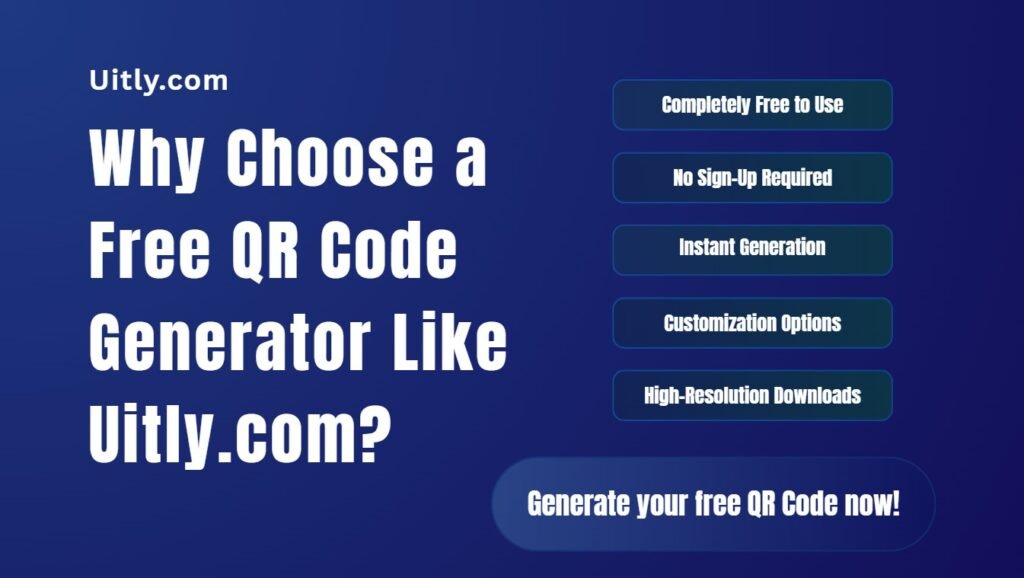
Why Choose a Free QR Code Generator Like Uitly.com?
There are dozens of QR code tools on the web around the world, what makes Uitly.com unique? It has several notable features:
1. Completely Free to Use
Some QR code generators provide a free service, which is, in fact, a trial and has a limited number of codes and/or a time duration for code usage. Uitly.com’s generator will not be restricted, and it’s perfect for people and businesses that have a budget.
2. No Sign-Up Required
You don’t need to create an account or provide an email address just to generate a code. This eliminates friction and you can get to your QR code in seconds.
3. Instant Generation
This tool will scan your data in real time and create an instantly scannable QR code just as you enter information.
4. Customization Options
In addition to the simple black-and-white square, Uitly.com usually offers the option to customize colors, add logos, and select various design styles to ensure the QR code aligns with your brand.
5. High-Resolution Downloads
Codes are created and can then be downloaded as various types of code for digital use (websites, social media) or print use (flyers, posters, packaging etc.) and will scan clearly at any size.
How to Create a QR Code on Uitly.com
Creating a QR code at Uitly.com is very easy. You just need to follow some simple steps. Here are those steps to follow:
- Go to Uitly.com and select the QR code generator.
- Select your QR code type (website link, text, Wi-Fi, contact card or other supported options).
- Fill in your details in the boxes that are provided and if you want you can make it look pretty if you like.
- Make a QR code & download it in your desired format – instantly ready to use!
Common Uses for QR Codes
QR codes are much more than just inventory-tracking tools. Now they are used in many of the practical ways, such as:
- Restaurants with Digital Menus in lieu of printed menus.
- Retailers are connecting product packaging to detailed, review, or how-to videos.
- Event organizers are making tickets easier to check in and registration easier.
- Yard signs are used to post real estate listings provided by real estate agents.
- Teachers are sharing class work, materials, or links to worksheets with students.
- Small businesses are linking their print ads to their online stores or social media pages.
QR codes can be scanned in an instant using almost any smartphone camera. So, users don’t have to type in their URLs or even search for information, a slight convenience that can make a big difference in engagements.
How to Make Good QR Codes
It is an important thing to know how to create good QR codes. Keep in mind these best practices to make the most of your QR code:
- Always Test First: Test your QR code with several devices to ensure it is working properly.
- Keep it Simple: Do not include too many design elements in the code that might affect the scannability.
- Use an Adequate Size: Make the code legible when printing, it should be big enough to be scanned from a reasonable distance.
- Add a Call-to-Action: Indicate to users what to anticipate for example: “Scan to view menu” or “Scan for 10% off.
- Choose Contrasting Colors: The higher the contrast between the code and background, the more reliably the code can be scanned.
Final Thought
QR codes are still one of the easiest and most effective means to link offline resources with online resources. Uitly.com- free QR code generator allows you to create professional, functional QR code in just a few minutes, without any cost, registration or technical skills.
From promoting a business to giving out contact information or making WiFi access easier, Uitly.com offers a quick and reliable solution. If you haven’t done so already, go to Uitly.com and create your first QR code for free today. It’s a simple move that can have a huge impact.