

TikTok offers millions of videos on content ranging from entertainment and education to recipes, traveling, and everyday life. You may wish to save a video for viewing later or for your own reference. If the downloading is available, a TikTok Video Downloader can assist you in saving videos to your cellphone or computer.
Not all tools are created equal, though, and there may be advertisements on some websites you visit. This guide will tell you about popular ways of downloading videos, how to use them, what features to look out for and how to keep your privacy safe when downloading videos.
What Is a TikTok Video Downloader?
A TikTok Video Downloader is a website, smartphone application or computer software system which allows customers to download videos from TikTok. There are different tools that operate directly within the browser and some that must be installed.
The majority of online downloaders use straightforward processes. You copy the link of a TikTok video, paste it into the tool and choose a download option. Depending on the service that you use, you may be able to save a video in various resolutions, download it with or without a watermark, or even cut out its soundtrack.
They can come in handy when you’d like to view saved content without the internet. For each video, creator settings, and the compatibility of the tool, however, the number of available downloads depends.
What Features Should You Look For?
When deciding on a downloader, take into account how you will be using it. Since the quality of the video can differ, it is important to ensure that it is of high quality, as poor quality videos can appear fuzzy on larger screens. Confirm if the service is compatible with your device and provides an easy downloading.
Privacy also is a concern. Use services that have unambiguous privacy policies, stay away from services that ask you to enter your TikTok password, and be cautious of ads. Some downloaders will have the functionality to remove audio or add watermark or both, whereas others will simply download videos. In addition, see if you can get the service for free, or if it is paid for, what aspects you have to pay for.
Best TikTok Video Downloaders to Consider
There are several different tools that provide various methods to save tiktok videos. You need to check the differences between them and their limitations and choose the one that is best for you.
1. SSSTikTok

SSSTikTok is a web-based application that lets users copy the link of TikTok videos and download them. It is useful to those who do not want to install other software. Depending on what options are available they may be able to save videos without any watermark. The experience may be impacted by advertisements, changes to service offerings, and video restrictions, however.
2. SnapTik
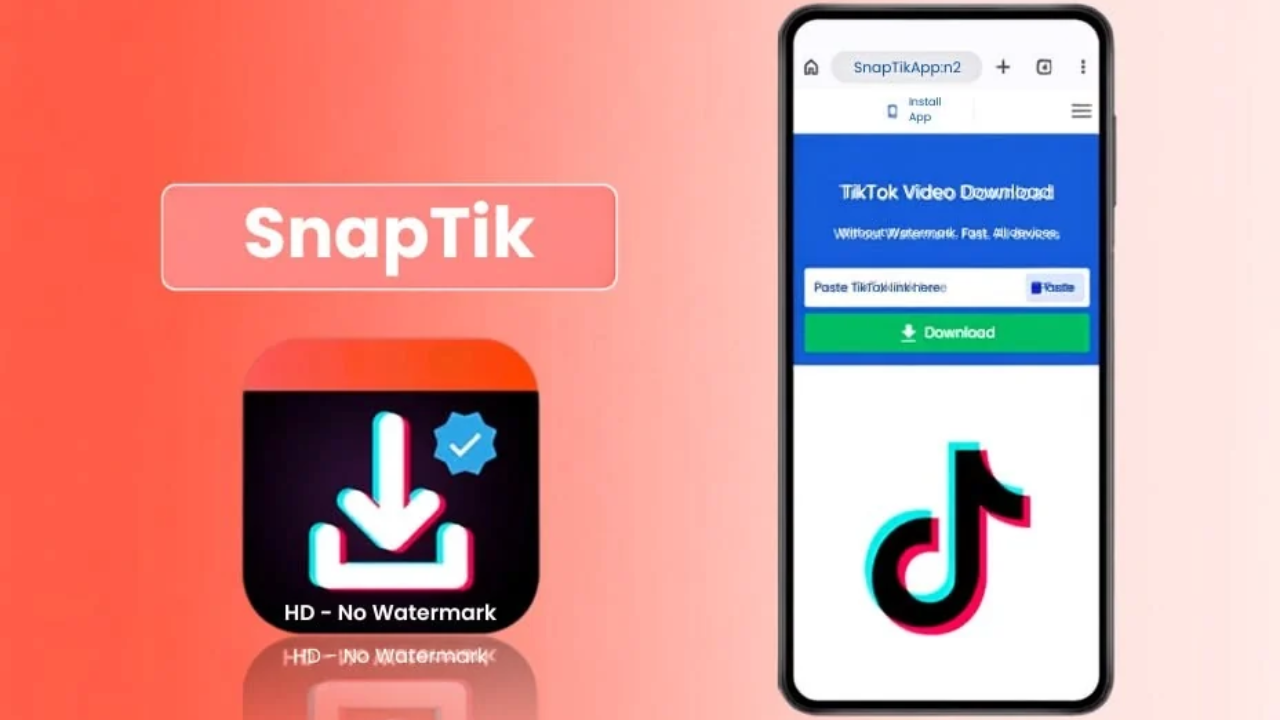
Download TikTok videos for free with SnapTik, which is a web application or mobile app that supports the download. It is a process that is easy to understand by smartphone users because it is linked to the process. Some versions provide download options with watermark, but features may vary. Be mindful of the options available before downloading and don’t install programs from unknown sources.
3. 4K Video Downloader+
4K Video Downloader+ is a free desktop video downloader for Internet videos that can be supported. It could be beneficial for those who prefer to operate video files through Windows, Mac OS, or other supported operating systems. It may change in terms of features and access limits based on the version and plan. Read its official documentation first, before you use it for this purpose, to see if it’s compatible with TikTok.
4. TikMate
TikMate is an online service that is linked to TikTok video downloading. This might be useful for those who don’t wish to install desktop software but would like to embed a video link in a website. Some quality settings and other features may not be available based on the service’s version. Be careful about what you download and not be tricked by ads.

5. TikTok’s Built-in Download Feature
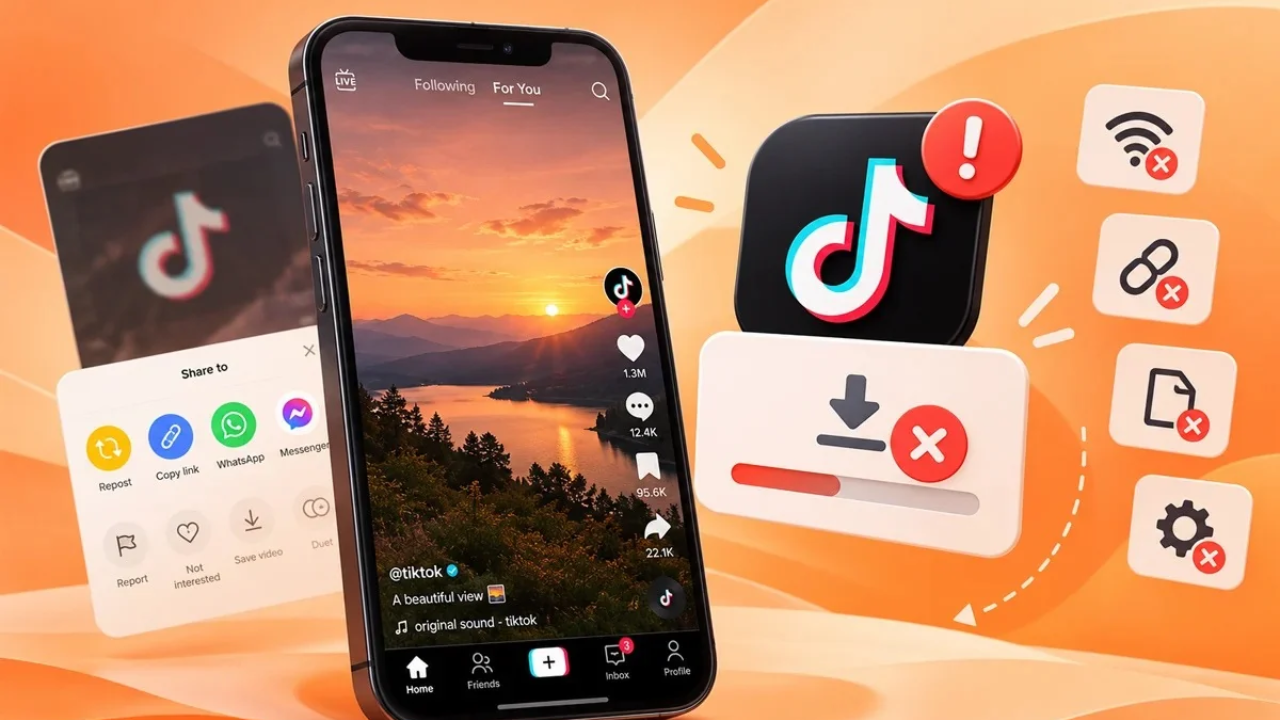
The one in TikTok is a good first try as it won’t need a separate downloader. Tap Save video in the video sharing screen. If the video owner allows downloads, the video can be downloaded directly to the device. This approach might maintain TikTok branding, and it may not be available for certain posts.
How to Download TikTok Videos Step by Step
Most online downloaders operate in a similar manner. Here are some steps to save a video in a web site compatible with you.
- Step 1: Locate the video. Go to TikTok and find the video you wish to save.
- Step 2: Copy the link. If the option is available, click on Share and then Copy Link.
- Step 3: Start a downloader. If the video is supported by a service, visit the service that supports the video and your device.
- Step 4: Paste the link. Copy the address and paste it in the download box on the website.
- Step 5: Choose an option. Choose a format or video quality that is available.
You have finished Step 6: Save the file. Download the video and open it to make sure it plays.
This process may vary from service to service. If the download doesn’t work, verify the link and use TikTok’s official saving tool.
Can You Download TikTok Videos Without a Watermark?
Various third party services will give you downloads without watermarks, however this will depend on the original video and the service in particular. Removing a watermark does not mean that you take ownership of the content, it is just a system which helps identify the platform or creator.
When using another person’s video content for another platform – seek permission and credit them first! For videos you create on your own TikTok, having a copy of the original video before you upload it is an easy way to have a version of your video without the platform branding.
Final Word
The easiest way to save tiktok videos is by using a proper solution. Use TikTok’s download tool or a compatible online tool to download. Before selecting a service, look into video quality, device compatibility and privacy. Always respect the right of creators to save and share their content.
FAQs
1. What is a TikTok video downloader?
It’s a tool that allows users to download TikTok videos to compatible devices.
2. Can I download TikTok videos without a watermark?
It’s available on some third-party services, depending on the video and service.
3. Is it possible to download TikTok videos to cell phone?
Yes, using TikTok’s feature or an online tool compatible with TikTok.
4. Is TikTok downloaders free?
There are many that provide free downloads, and some have ads or premium options.
5. Is it safe to use a TikTok downloader?
Use trusted services; download from a trusted source; never provide your account password.
Read More: Adswynk com: How it works, payments, and is it legit?