
We have all been there. You are scrolling through SoundCloud at 2 AM, you find a track that hits different — maybe an unreleased remix, an indie artist’s demo, or a podcast episode you want to listen to on the train where your data is spotty. You hit the heart button, you add it to a playlist, but deep down you wish you could just save it as an MP3 and take it with you. That is exactly why “SoundCloud to MP3” is one of the most searched phrases on the internet.
But here is the thing nobody tells you upfront. Converting SoundCloud tracks to MP3 is not as simple as clicking a button and walking away. There are tools that do it, yes. But there are also rules, risks, and a bunch of sketchy websites waiting to trick you. Let me break it all down so you know what you are actually getting into.
Why Do People Even Want This?
Let us start with the obvious question. SoundCloud already lets you stream music for free. So why download it?
- Offline listening — Not everyone has unlimited data or a stable connection. Commutes, flights, gym sessions — sometimes you just need the file on your device.
- Tracks that disappear — Artists delete songs all the time. That remix you love today might be gone next week. Having an MP3 copy feels like insurance.
- DJ sets and mixes — A lot of SoundCloud content is not available on Spotify or Apple Music. DJs upload hour-long mixes that you cannot find anywhere else.
- Podcasts and interviews — Some creators upload exclusive content to SoundCloud that is not distributed through normal podcast apps.
- Personal projects — Maybe you are a video editor who needs a specific background track, or a producer studying how someone built a beat.
How Does the Conversion Actually Work?
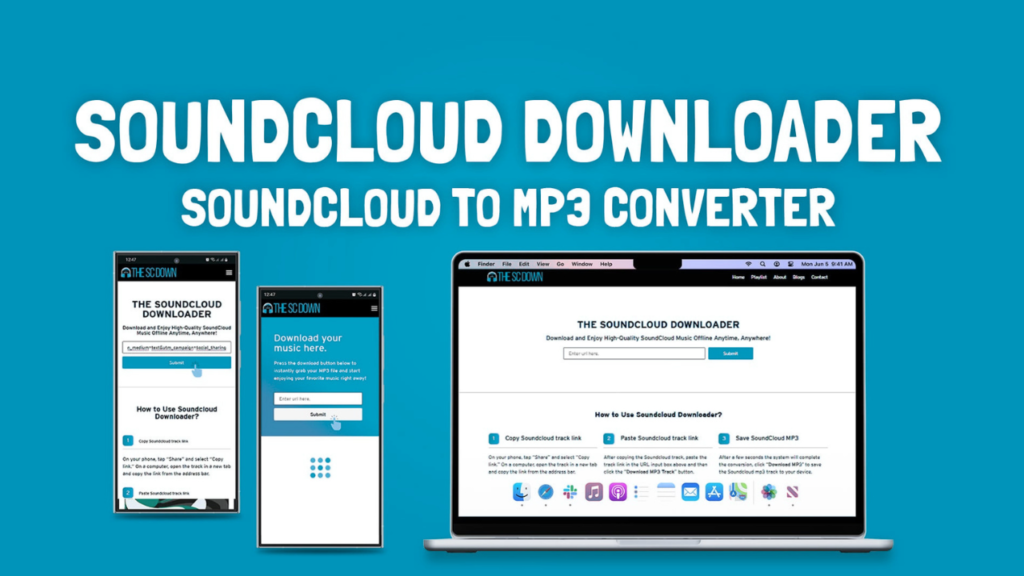
Most “SoundCloud to MP3” tools are websites where you paste a link, hit a button, and the site spits out a downloadable file. The process sounds magical, but it is actually pretty basic behind the scenes. These tools grab the audio stream that SoundCloud sends to your browser anyway, then repackage it into an MP3 file.
Some tools are browser-based. Others are browser extensions, desktop software, or even mobile apps. The browser websites are the most popular because they require zero installation. You do not need to download anything risky onto your computer. Just copy, paste, and wait.
Read Also: The Best Free VPN in 2026: Top Picks for Privacy, Speed & Streaming
The Good, the Bad and the Ugly of These Tools
Let us be honest about what you are dealing with.
The good stuff:
- Most of them are free. You do not pay a dime.
- They work fast. A three-minute song usually converts in under a minute.
- No account needed. You do not hand over your email or create a password.
- They work on anything — phone, laptop, tablet, whatever.
The bad stuff:
- Audio quality takes a hit. SoundCloud streams at a certain bitrate, and these converters often compress it even more. Your MP3 might sound flat compared to the original stream.
- Metadata gets lost. The artist name, track title, and album art might not carry over properly. You end up with a file called “track_128.mp3” and have to rename it yourself.
- Broken links and dead sites. These converters get shut down or blocked regularly. The one that worked last month might be gone today.
The ugly stuff:
- Malware and fake download buttons. This is the big one. A lot of these websites are covered in ads that look like download buttons. Click the wrong one and you are installing browser hijackers, pop-up viruses, or worse.
- Redirects to shady sites. One second you are waiting for your file, the next second a new tab opens trying to sell you crypto or tell you your computer is infected.
- Some tools do not even work. They just pretend to convert your file while harvesting your clicks and data.
The Legal Question Nobody Likes to Answer
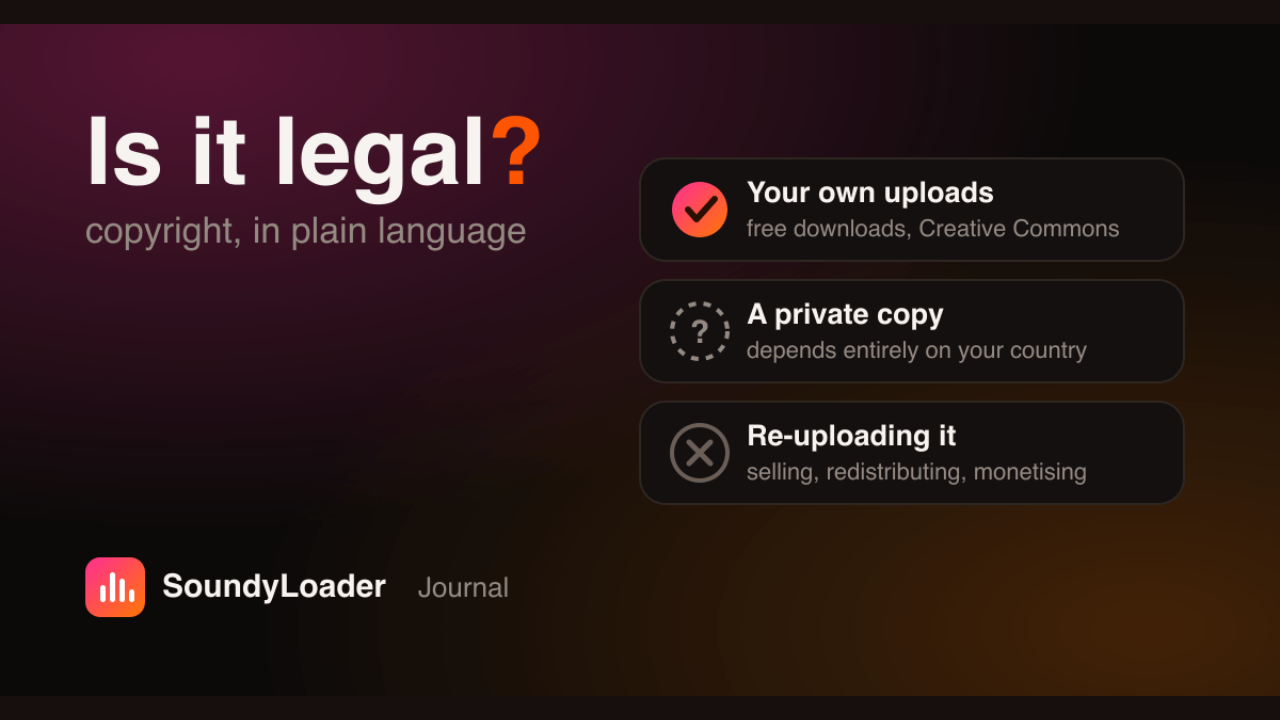
This is where it gets uncomfortable. Is downloading from SoundCloud legal?Here is the truth. SoundCloud has two types of content:
- Tracks with a download button — The artist explicitly allowed downloads. These are fair game. Go nuts.
- Tracks without a download button — The artist only intended for streaming. Downloading these without permission is technically copyright infringement in most countries.
Even if you are not selling the file or sharing it, making a personal copy without the creator’s okay sits in a gray area at best. Some artists do not care. Others absolutely do, especially if they are trying to earn money from streams or plan to release the track officially later.
My advice? If the artist put a download button there, use it. If they did not, ask yourself whether you really need that file on your hard drive. Respect the people making the music.
Safer Ways to Do It
If you are going to use a converter anyway, at least be smart about it.
Use an ad blocker. It will kill most of the fake download buttons and pop-ups before they even load.
- Do not install anything. If a site asks you to download software or a browser extension, close the tab. Browser-based converters should not need installation.
- Scan everything. If you do download a file, run it through your antivirus before opening it.
- Check the file size. A three-minute song should be a few megabytes. If it is 500 KB, something is wrong. If it is 50 MB, something is also wrong.
- Read reviews. Before trusting a converter, search its name plus “reddit” or “scam” and see what real people are saying.
Better Alternatives You Should Consider
Before you go down the converter rabbit hole, think about whether there is an easier, safer way to get what you want.
- SoundCloud Go / Go+: SoundCloud’s own paid subscription lets you download tracks for offline listening within the app. It is legal, the quality is better, and you are supporting artists.
- Ask the artist: Seriously. Drop a comment or send a message. A lot of independent musicians are happy to share a download link with someone who genuinely loves their work.
- Bandcamp: Many artists release the same tracks on Bandcamp with a “name your price” option. Sometimes that price is zero. You get a high-quality download and the artist gets your support.
- YouTube Music or Spotify: If the track is available on mainstream platforms, just save it there for offline listening. It is less hassle and completely above board.
Final Word
“SoundCloud to MP3” is one of those internet searches that seems harmless until you actually try it. The tools exist, they mostly work, and plenty of people use them every day without issues. But the risks are real — malware, legal gray areas, terrible audio quality, and the general sketchiness of free converter websites.
If you go this route, protect yourself. Use an ad blocker, avoid downloads that require software installation, and only grab tracks that artists have made available. Better yet, consider paying for SoundCloud Go or finding the music on a legitimate platform where the artist actually gets something back.At the end of the day, music is worth more than a shady download. Treat it that way.
Read More: Fundfireinsight.com: What It Is, Features and Is It Safe?