

If you don’t use the Incognito or InPrivate mode on your device, then every site you visit on the Internet is recorded by your Internet browser. YouTube History doesn’t record your activity on other sites while using YouTube, but it does record videos that you have watched on the site. If you want to delete your watch history on the YouTube platform, follow the guide in this post. Get the full guide.
Why You Delete Your History
YouTube is a large online-based platform and we use YouTube daily in our daily activities for any information. Students and professionals can use the platform for full fill their requirements. YouTube is both an educational and entertaining platform where you will get the important info and educate yourself with the best teachers.
Some people use the platform for their professional nees that’s why they can feel uncomfortable sharing their history with other people and they don’t want to show their history to others, which can harm their professional life. So it is essential delete the history and make your life safe.
View and Clear Watch History on YouTube
If you want to clear your YouTube watch history on YouTube from different devices like desktop, laptop, smartphone, or tablet, follow the instructions below.
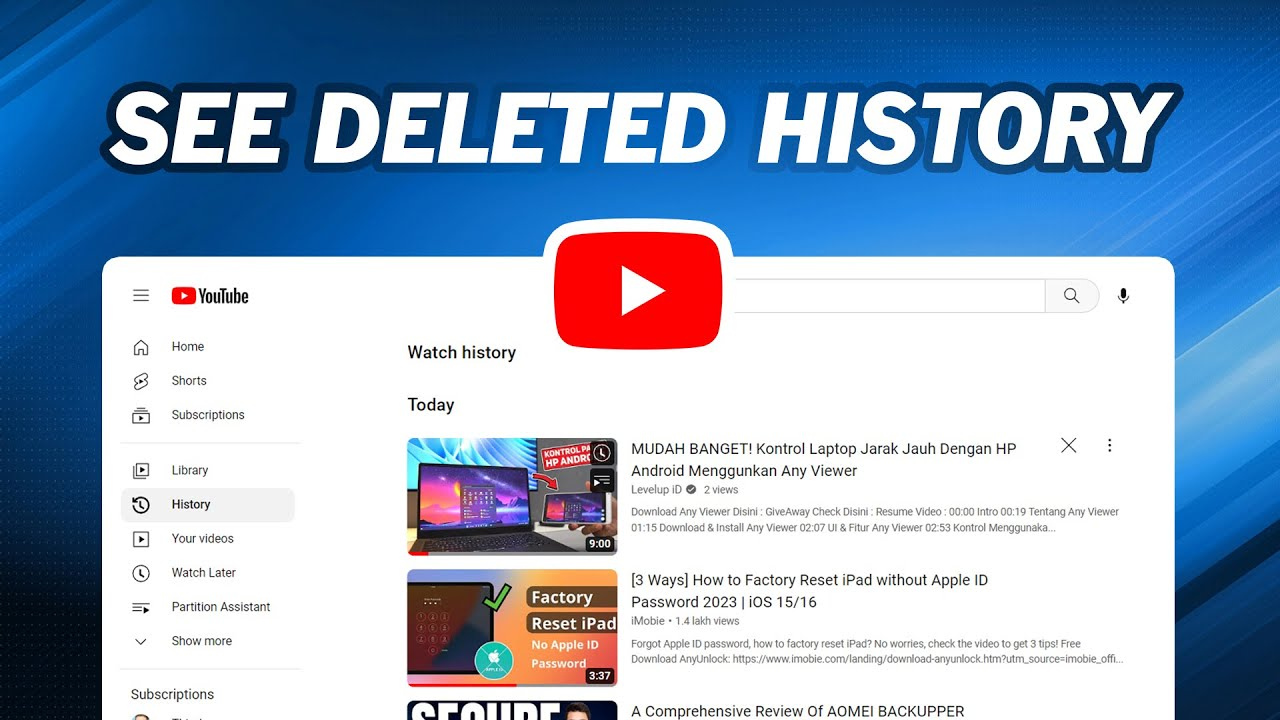
Go to YouTube and sign in with the upper-right corner.
Then click the hamburger icon on YouTube, which is located in the upper-left corner of the screen and expand the menu.
Now, click the history selector
Clear all YouTube History
To clear all history on YouTube, go to the right side of the screen and you can see the section with two options like Watch history and Community.
Now you need to select the radio buttons, then click the clear all watch history option and finish.
How to Clear Individual Videos
You need to move your mouse cursor over the video entry and click on the remove from watch history Grey “X” to delete it and it will disappear, so finish it.
Read Also: Deepseekplay com: A Smarter Way to Explore AI Tools
How to View and Clear Watch History on the YouTube Mobile App
Whether you are using YouTube on your mobile phone or tablet, you can also clear your watch history to follow the steps given below:
- You have to open the YouTube app and sign in to the desired account.
- Then tap the profile icon in the upper-right corner of the screen on YouTube.
- Then scroll down and tap the Settings option.
- After that, tap Manage all history to clear it.
Clear the entire History of YouTube
Make sure that the history tab is selected.
Then, click on the delete and select delete all time from the pop-up section.
Manage YouTube history settings using the MyActivity
Google has released a good feature called MyActivity, which allows users to manage their history when using any of the services through Google. Like we use Google Maps or the Google Search bar. If you used them, you can easily delete your history by going to MyActivity on Google. YouTube is a part of google so you can delete your history by using the MyActivity on Google.
Final Word
If you don’t use the Incognito or InPrivate mode on your device, then every site you visit on the Internet is recorded by your Internet browser. YouTube doesn’t record your activity on other sites while using YouTube, but it does record videos that you have watched on the site. If you want to clear the youtube’s history then follow the guide which is given in the post.
Read More: How to Download YouTube Videos for Free on Your Device Easily